
Story
The Story sections are for everything that isn’t a number: who your character is, who they know, and what has happened so far.
Background
Background gathers your character’s story in groups: Psyche, Background Questions, Personality, Appearance, Relationships and History. Tap a group’s name to fold it away.
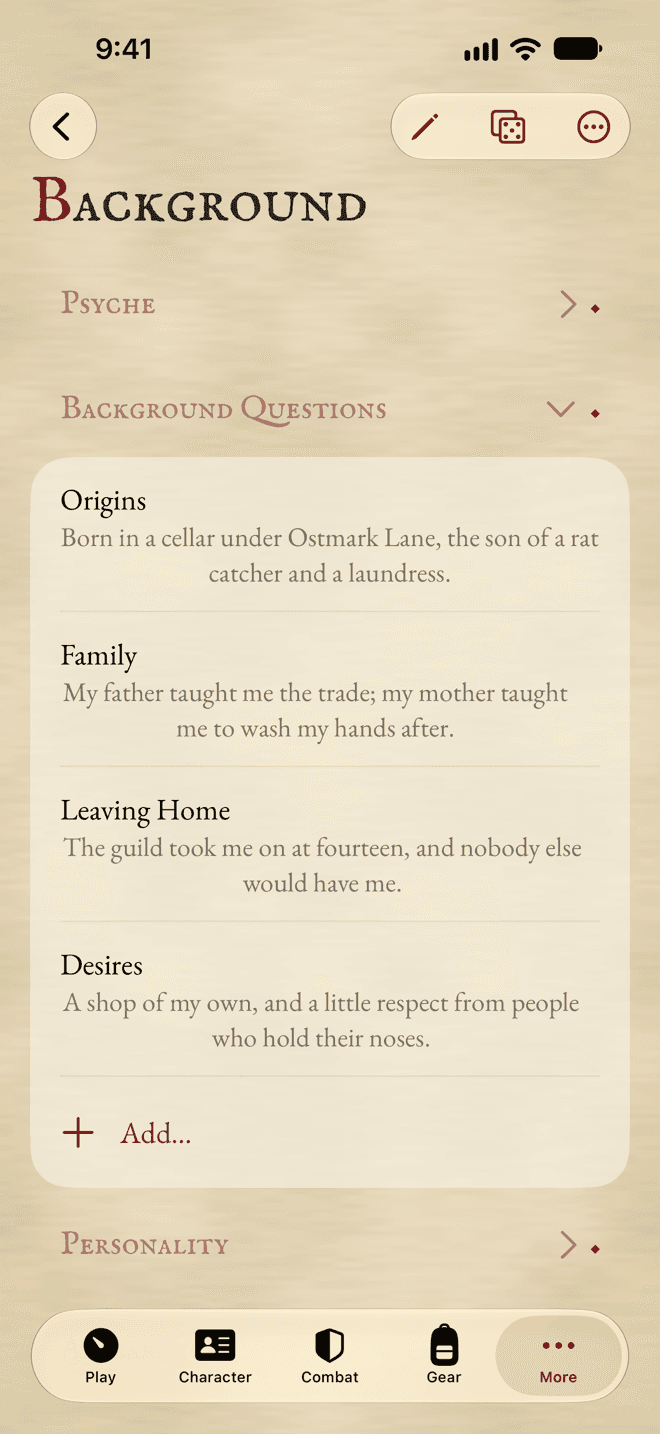
- Tap a question to answer it. The group’s Add… menu offers the questions left, and Custom Prompt… for your own.
- Under Personality, turn on Edit to rate your character on scales between two opposites.
- Values that belong to Profile, like Motivation or eye colour, are shown here too, with Edit in Profile to change them.
Relationships
Add Relation… adds family, friends, rivals and anyone else who matters, with their role and notes. Mark them as no longer alive when the story calls for it.
Party
Party holds your party’s name, its headquarters, its notes, its Ambitions and its members.
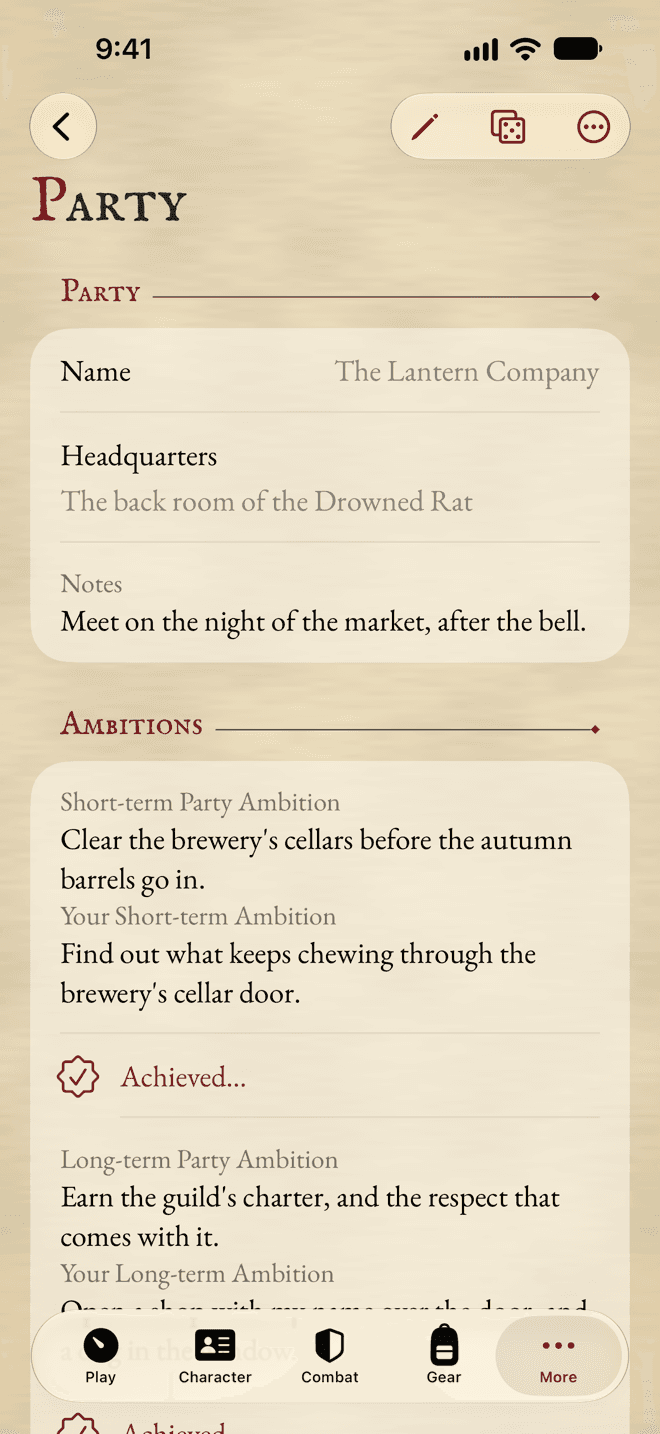
- The party’s Ambitions are shown beside your own. When the party achieves one, tap Achieved…: its XP goes into your ledger.
- Add Member adds a friend, with their name, their player and what they play.
- If you keep your friends’ characters in Ratcatcher too, link a member to them with Link to a Character in the Library…. Their name, species and career then stay up to date, and Open Character opens them.
Campaign Notes
Campaign Notes is your notebook for the campaign: where the party is now, the date in the game world, the job at hand, and the People, Places, Endeavours and Journal of the story so far. The search field looks through all of it.
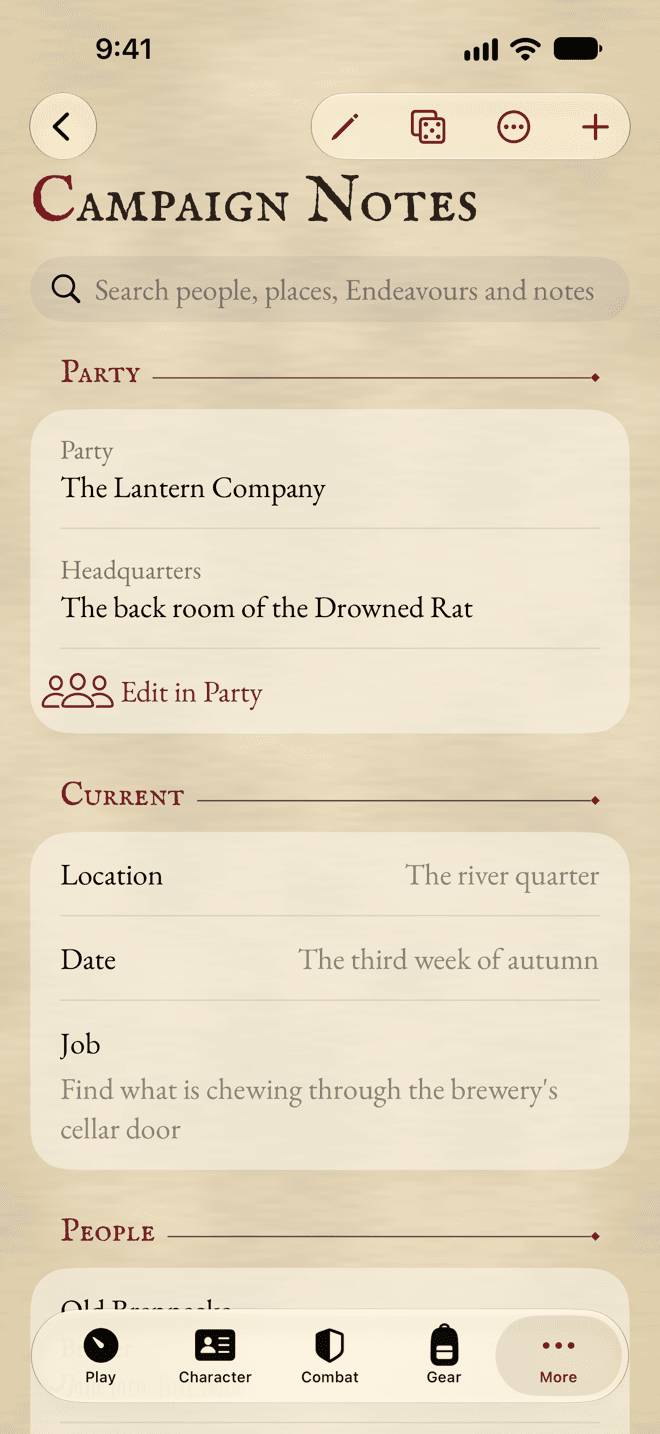
Tap Add to add any of them.
The Notes at the bottom can be written in at any time, without Edit mode.
NPCs
Under People, Add NPC adds someone with a name, a description and notes. Add from Compendium… adds a creature with its whole stat block, and lets you apply a template to it.
An NPC with a stat block has its own Wounds counter, shown in the list. Tap it to see its Characteristics, traits, skills and talents.
Places, Endeavours and the journal
- Places: towns, inns, organisations, with a type, notes and a web link if you like. An NPC can be tied to a place.
- Endeavours: what your character does between adventures, picked from the Compendium or typed.
- Journal: an entry per session, with its date and title, newest first.
Still stuck, or does something work differently from what this says? Write to me.