
Possessions
Possessions are split in two: Trappings, for what your character owns, and Wealth, for their money. Weapons and armour are trappings too, so they’re in both Trappings and Combat.
Trappings
Trappings lists everything your character owns: first what’s On Person, carried or worn, then what’s kept Elsewhere.
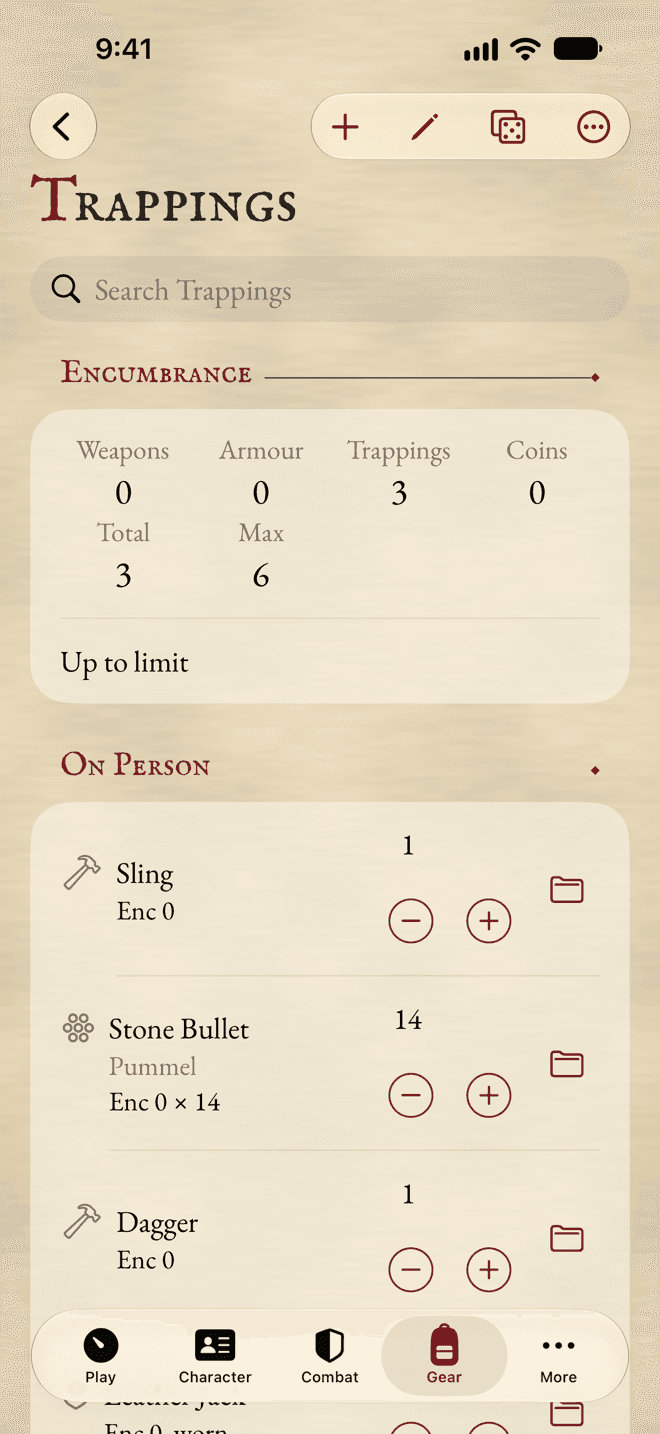
- 1Your Encumbrance, against your Max.
- 2How many you have.
- 3Move To: carried, worn, into a container, or elsewhere.
- Tap Add and Trapping to add one from the Compendium, or type its name.
- Each row has a counter for how many you have.
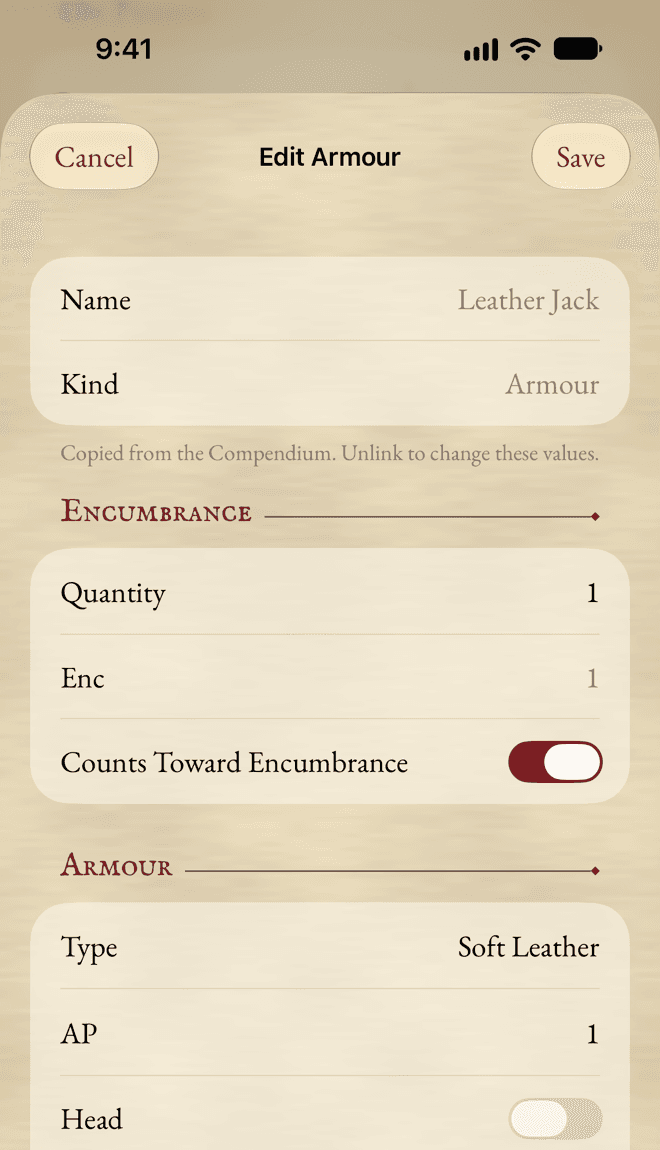
- Tap a row to change it: its kind, its Encumbrance, where it is, its price, its Qualities and Flaws, and your notes.
Containers and places
A backpack, a sack or a pouch is a container: Add and Container. Its contents are listed under it, with how full it is.
To move something, use its Move To button:
- Carried: on you.
- Worn: for clothing and armour you have on.
- Into a container, by its name.
- Elsewhere: at home, on the cart, in the bank. Type where in its editor.
You can also drag a row onto a container, or onto On Person or Elsewhere.
Deleting a container leaves its contents where the container was.
Encumbrance
At the top of Trappings, the Encumbrance of your Weapons, Armour and Trappings add up to a Total, shown against your Max. Tap Max to see how it’s worked out.
When you carry more than your limit, the app says what it costs you, and applies it to your Movement and Agility. Coins can count too, if your table wants: switch on Coins Count Toward Encumbrance in Sheet Options or in Wealth.
Coins
Wealth starts with your purse: Gold Crowns, Silver Shillings and Brass Pennies, each with a counter, and their Total.
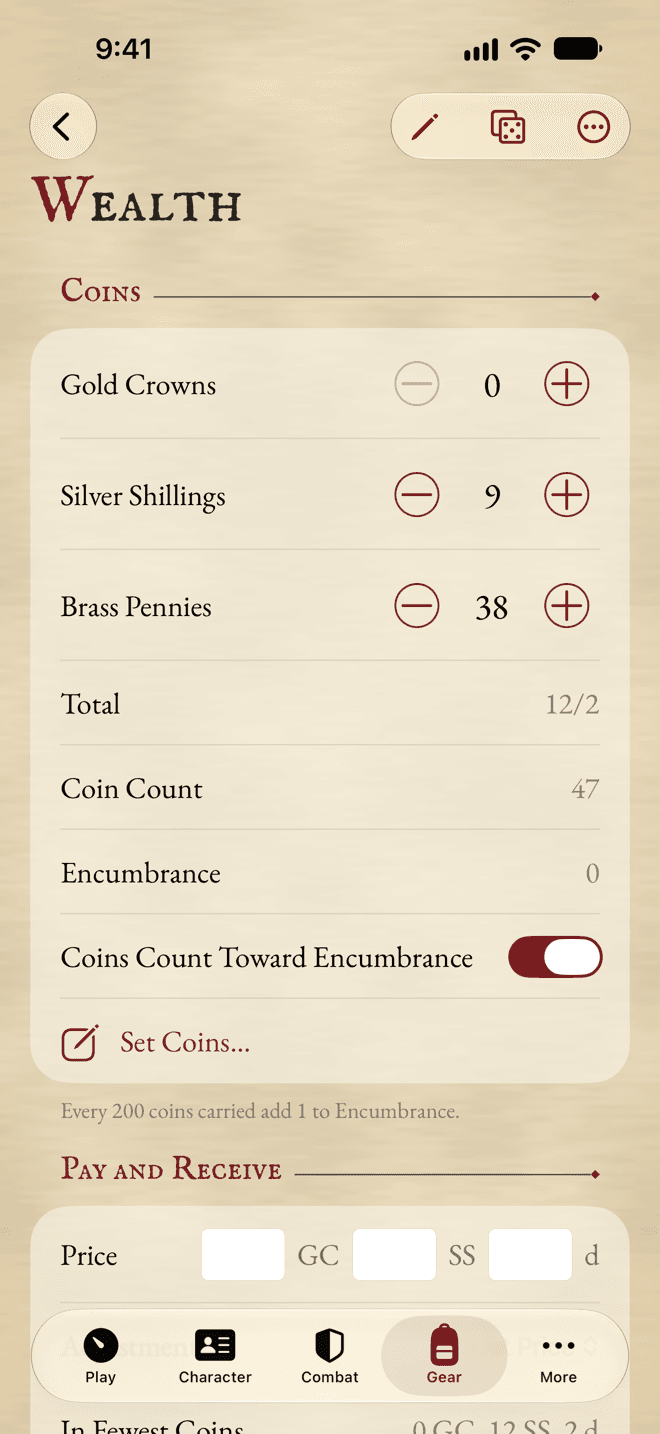
The counters and Set Coins… change the purse without a word in the history. They’re for corrections. To spend and earn, use Pay and Receive.
Paying and receiving
Type a Price, and pick an Adjustment if you bargained or are selling. The app shows the price in the fewest coins, and your purse after.
- Pay takes it from your purse.
- Receive… adds coins.
- Restate in Fewest Coins swaps your coins for the fewest that make the same amount.
Each of these goes into the History, with an optional note. Swipe the latest one and tap Undo to take it back.
Earning
Earn Money… works out what your character earns from their Status, with a Test and a roll, and adds it to your purse.
Assets and debts
Money that isn’t in your purse goes under Assets and Debts: banked, invested, stashed, lent, borrowed or owed. Add Asset or Debt…, then say how much and where or with whom. The Net is worked out for you.
Still stuck, or does something work differently from what this says? Write to me.